One link for your bio
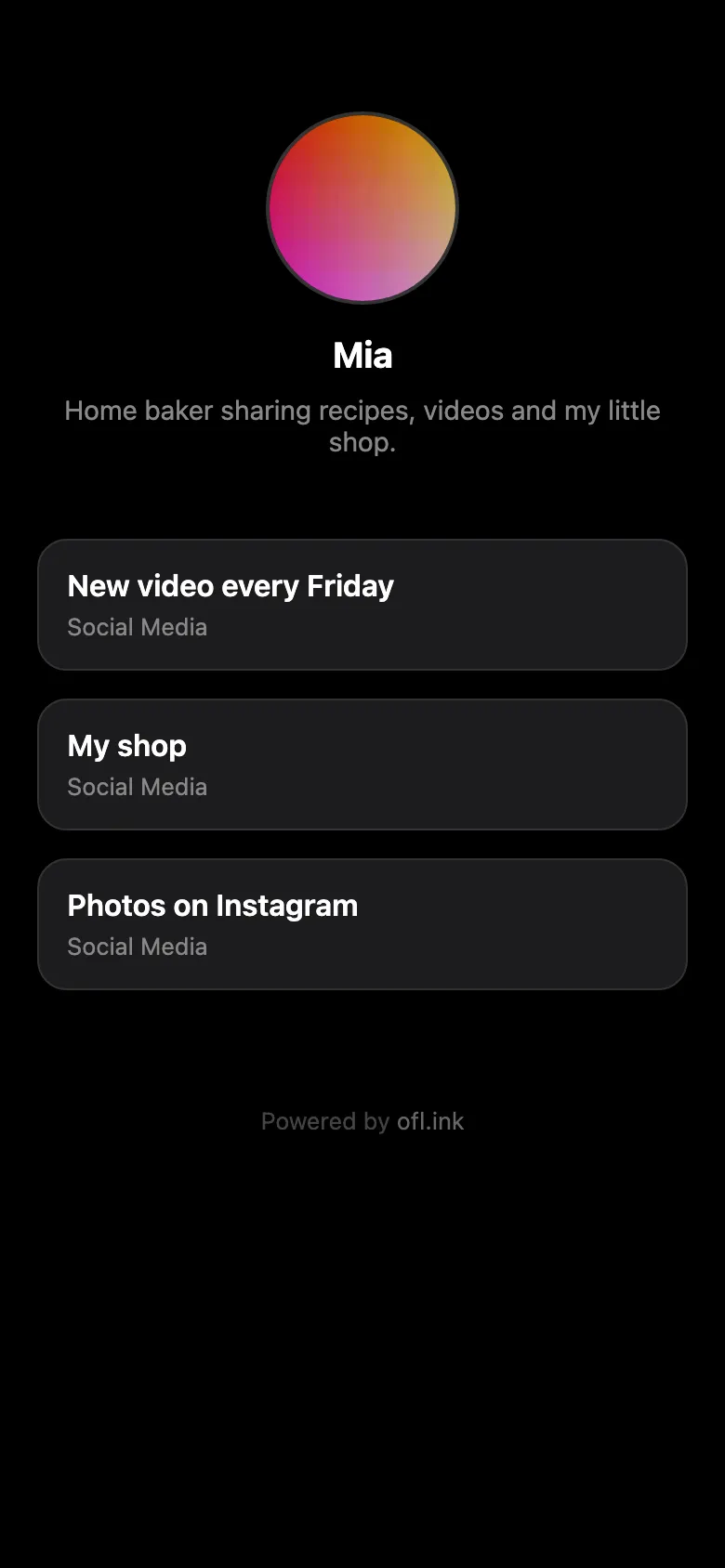
Put all your Links on one page. Help Visitors get out of the Instagram and TikTok browser, so your Links open in Safari or Chrome. See what they tap.
Followed a link here? That page doesn't exist. Check the address in the bio you came from.
Live in three steps
-
Claim your Username
Pick a name. Your page lives at your own address.
-
Add your Links
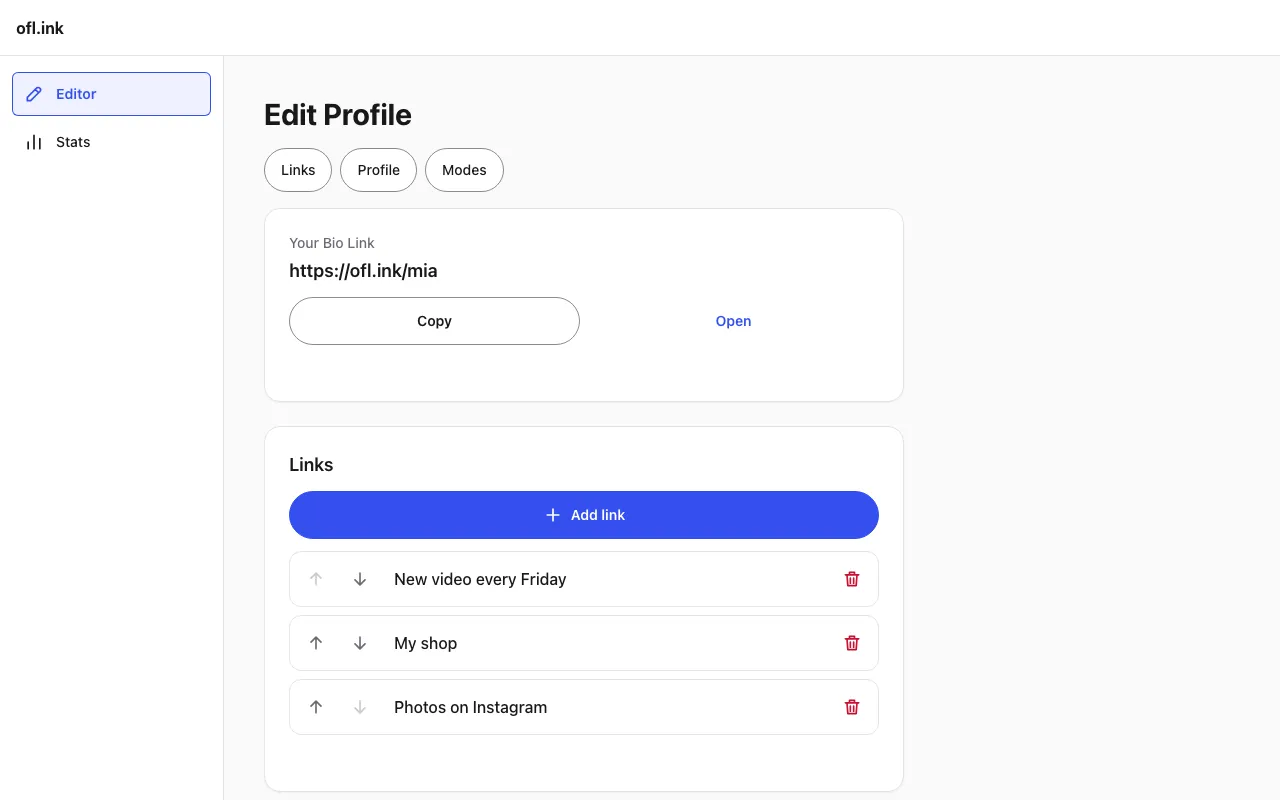
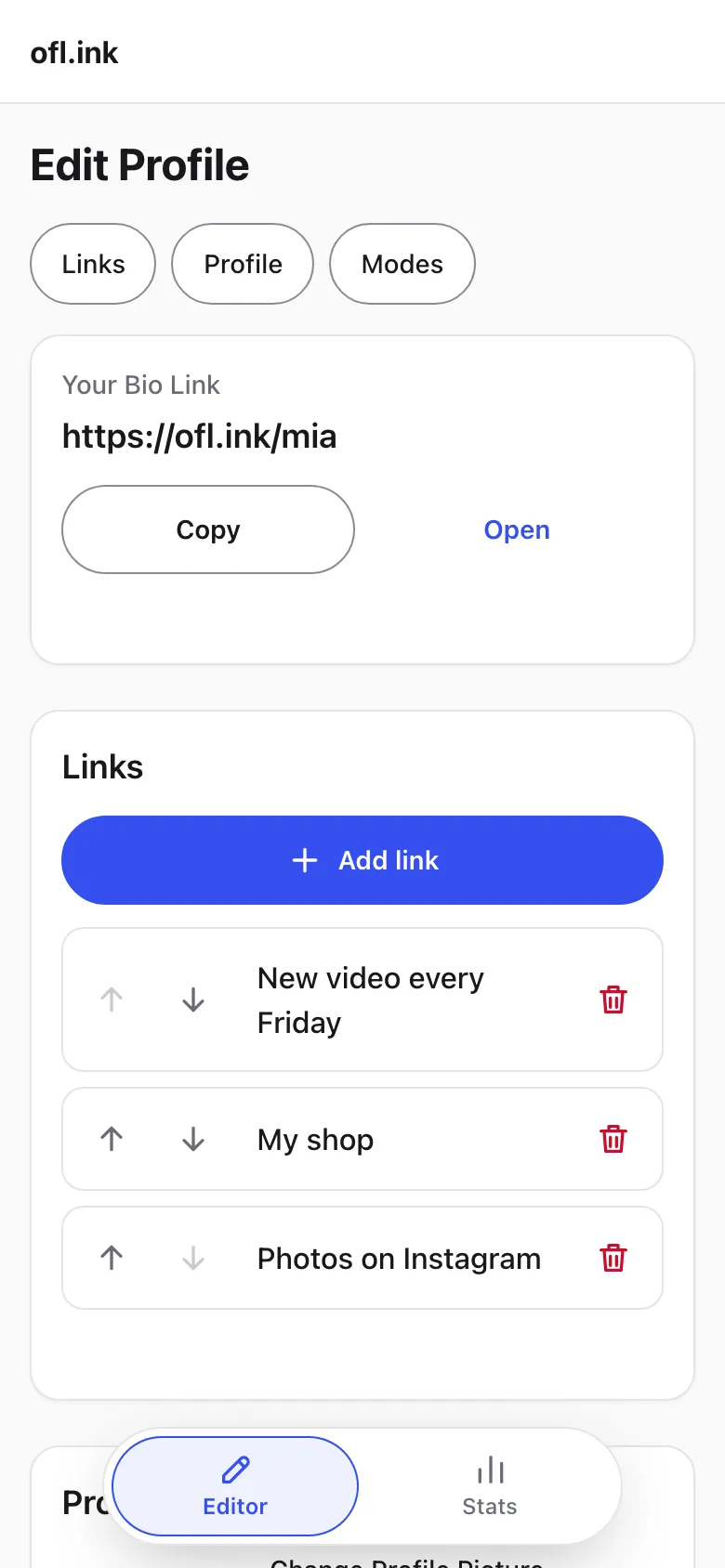
A title, where it leads, a picture. Reorder them any time from your phone.
-
Paste it in your bio
Copy your address into Instagram or TikTok. Visitors tap it to see all your Links.
Taps that land where you want
Instagram and TikTok open links in their own browser. You choose how your Links get out.
-
Direct Mode
Opens the Link straight away, in whatever browser the Visitor is in.
-
Escape Mode
Tries to move Visitors out of the Instagram or TikTok browser into Safari or Chrome. If the phone won't switch by itself, your page shows how.
-
Deeplink Mode
Inside Instagram or TikTok, a tap goes straight to Safari or Chrome with no how-to screen. On Android it can open the Link's own app.
-
18+ Age Gate
Turn it on for a Link and Visitors who tap it on your page confirm they are 18 or older first. It works with every Mode.
-
Your Destinations stay hidden
Your page never contains the addresses your Links lead to. Each one is handed out only when a Visitor opens that Link, which keeps casual bots from collecting them.
See what works
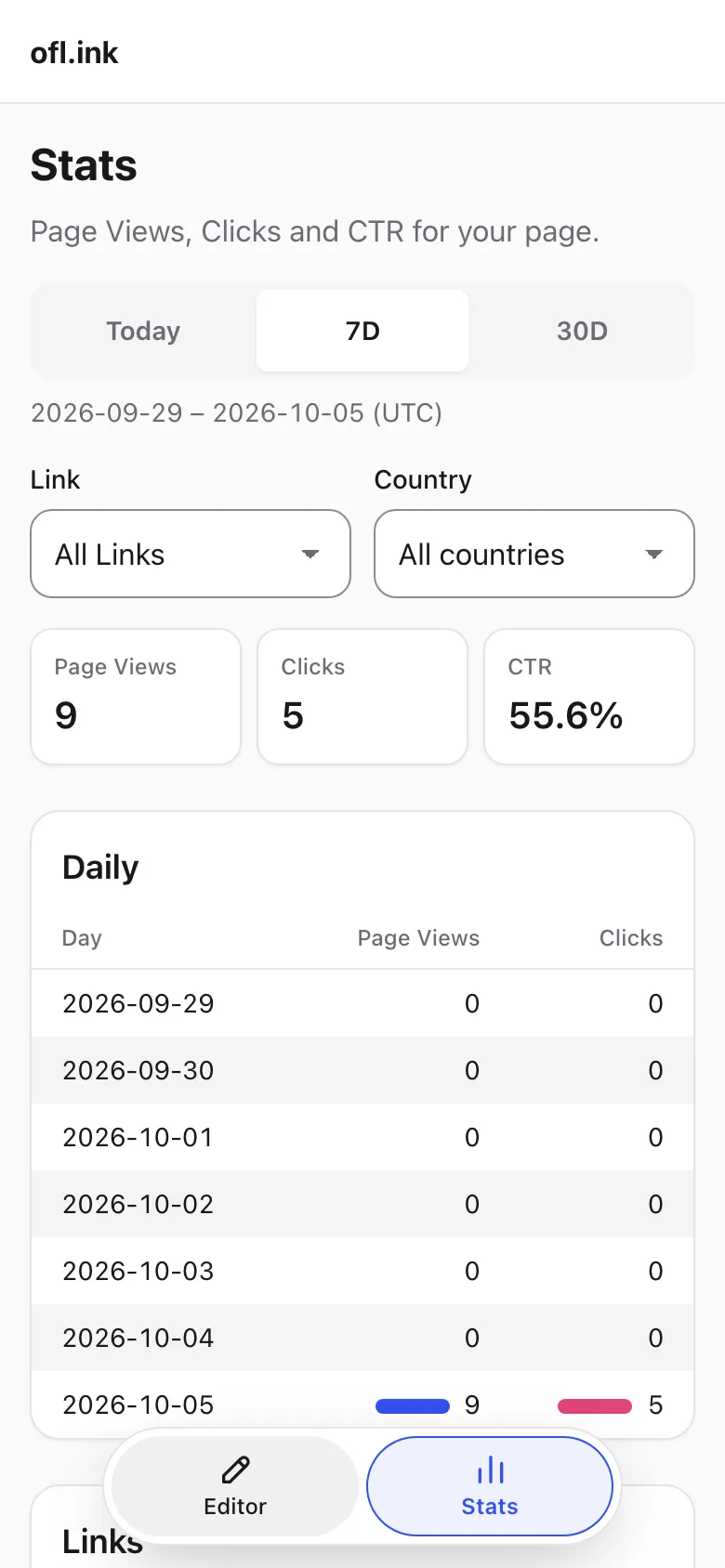
Stats show how often your page is opened and which Links Visitors tap.
- Page Views, Clicks and CTR
- Per Link, per day and per country
- Today, 7 days or 30 days